
1. How to Use a Language Code?
The translation command allows you to convert text from one language to another using specific language codes. The syntax is structured so that you first specify the target language, then the source language, followed by the text you want to translate. Both the (to) and (from) parameters must be valid language codes, which you can find in the language table below (for example,en for English, fr for French, es for Spanish, etc.).
For example, if you want to translate a sentence from English to French, you would use the French language code fr as the target language and en as the source language:

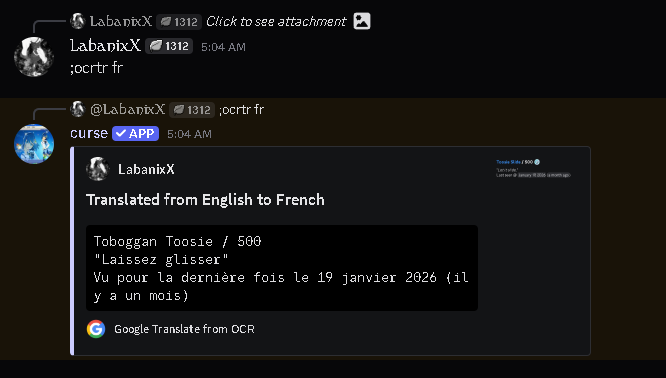
en).