
Overview
Transform the presence of @curse in your community by setting a custom avatar, banner, or bio. This allows you to create a seamless, branded experience that makes your server stand out from the rest.Only the Server Owner & Administrators have the authority to use these commands. Ensure all hosted image URLs are from reliable sources.
1. Customizing @curse’s Avatar
The avatar is the face of the bot in your member list and chat logs. Updating the profile picture of @curse allows it to blend perfectly with your server’s icon, seasonal themes, or specific aesthetic.1. 1. Set Avatar
Changes the bot’s profile image to your provided link/attached image.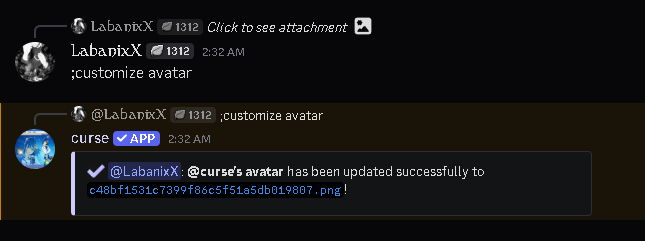
2. 2. Reset to Default
Removes the custom banner and restores the default look.2. Customizing @curse’s Banner
The profile banner is the first thing users see when they click on the bot’s profile. Use this space to showcase server artwork, important announcements, or a color palette that complements your community’s vibe.2. 1. Set Banner
Applies a custom background image to the bot’s profile.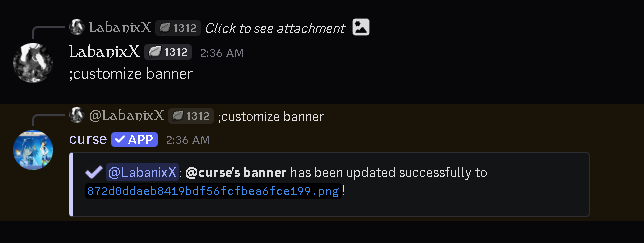
2. 2. Reset to Default
Removes the custom banner and restores the default look.3. Customizing @curse’s Bio
To ensure users can always find support, if you do not manually include
https://cursebot.site/ or discord.gg/cursebot in your text, these links will be automatically appended to the bottom.3. 1. Set Bio
Updates the “About Me” section with your custom description.