--) for flags, but iOS devices often convert two regular dashes into a single long dash (—) because of the Smart Punctuation feature. Since -- and — are completely different characters, this can cause commands to fail or behave unexpectedly.
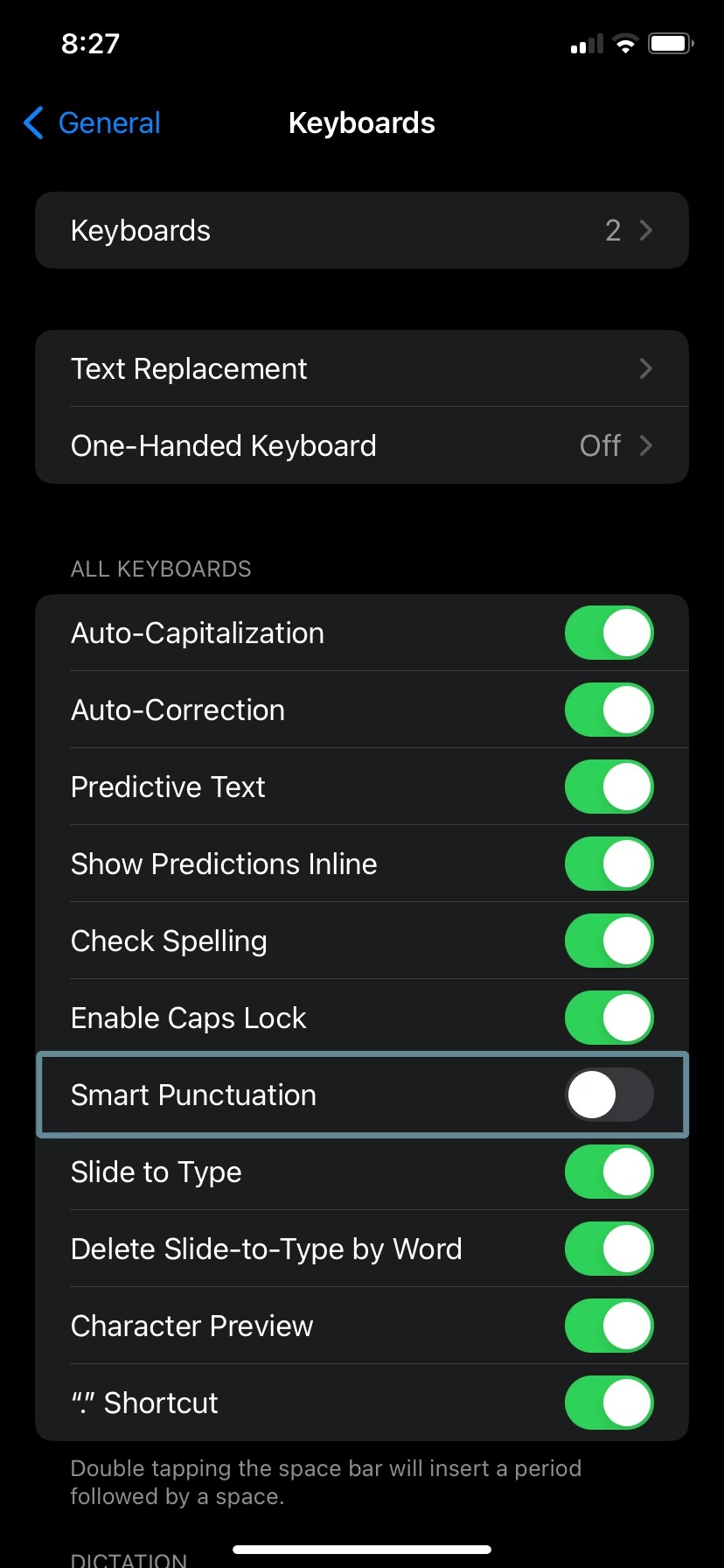
To fix this, first make sure you are using the correct double dash (--). If the problem continues, you can disable Smart Punctuation on your iOS device by following these steps:
- Open Settings
- Go to General
- Tap Keyboard
- Turn off Smart Punctuation